AI Video Editing: How to Turn Long Videos into Viral Clips
Learn how AI video editing finds your best moments and turns hours of footage into ready-to-post viral clips.
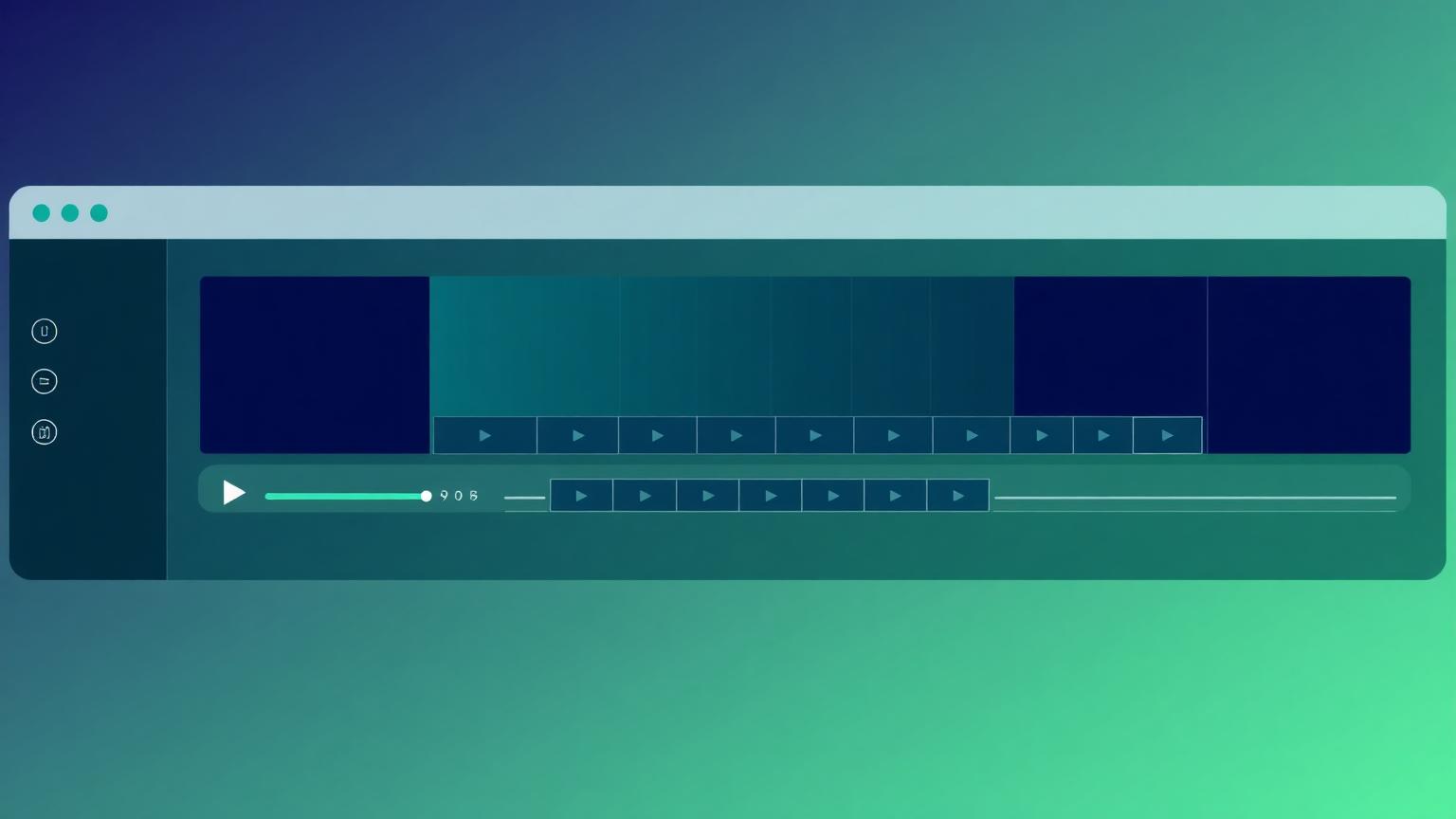
AI Video Editing: How to Turn Long Videos into Viral Clips
Every long video you record is sitting on a goldmine of short-form content. The problem is time. Scrubbing through a 60-minute recording to find the 30 seconds worth posting is exhausting — and it's the single biggest reason creators stop repurposing. AI video editing removes that friction entirely.
In this guide, we'll break down how modern AI clipping works, the exact workflow top creators use, and how to ship a week of content from a single upload.

What is AI video editing?
AI video editing uses machine learning to analyze your footage — speech, pacing, emotion, on-screen action — and automatically identify the segments most likely to perform on social platforms. Instead of manually cutting, the AI surfaces ready-made clips, reframes them vertically, and adds captions.
Why it matters in 2026
Short-form video drives the majority of organic reach on TikTok, Reels, and Shorts. Volume wins, but only if quality stays high. AI lets a solo creator publish like a full team.
The 4-step viral clipping workflow
1. Upload once
Drop in your podcast, webinar, stream, or talking-head video. Vidioso accepts long files and processes them in the cloud.
2. Let the AI find highlights
The model scores every moment for hook strength, clarity, and emotional punch, then assembles the top candidates. You get multiple clips, not one.
3. Auto-reframe and caption
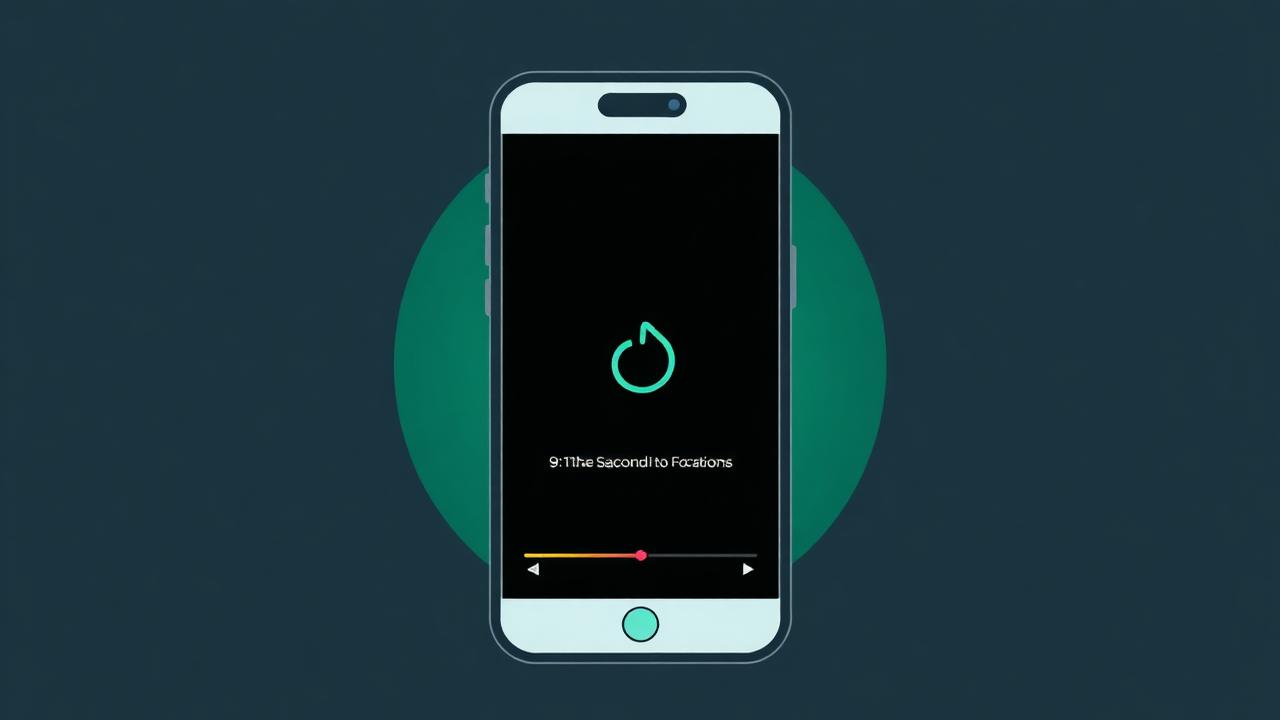
Each clip is reframed to 9:16 with the speaker kept in frame, animated captions are burned in, and a hook title is suggested.
4. Review and publish
Skim the suggestions, tweak what you want, and export. What used to take an afternoon now takes minutes.
Tips for clips that actually go viral
- Lead with a hook in the first 1.5 seconds.
- Keep clips between 20 and 50 seconds.
- Always use captions — most people watch muted.
- Post consistently; AI makes daily output realistic.
Do AI clips really perform?
Yes — when the source content is good. AI isn't magic, but it dramatically lowers the cost of testing many clips. The more shots you take, the more chances one breaks out. That's the real unlock: volume without burnout.
Start creating viral clips with Vidioso → Upload your first video. Compare plans on our pricing page.
Start creating viral clips with Vidioso
Turn your long videos into scroll-stopping shorts in minutes — no editing skills required. Upload your first video and watch the AI do the heavy lifting.